Oculus Go in 2026: The Legacy of the First Standalone Media Powerhouse
Discover the technical legacy of Oculus Go in 2026. Still the most lightweight personal theater. Learn how to stream and download VR content via https://topvrporn.net.
1. Introduction: The Device That Freed VR from Wires
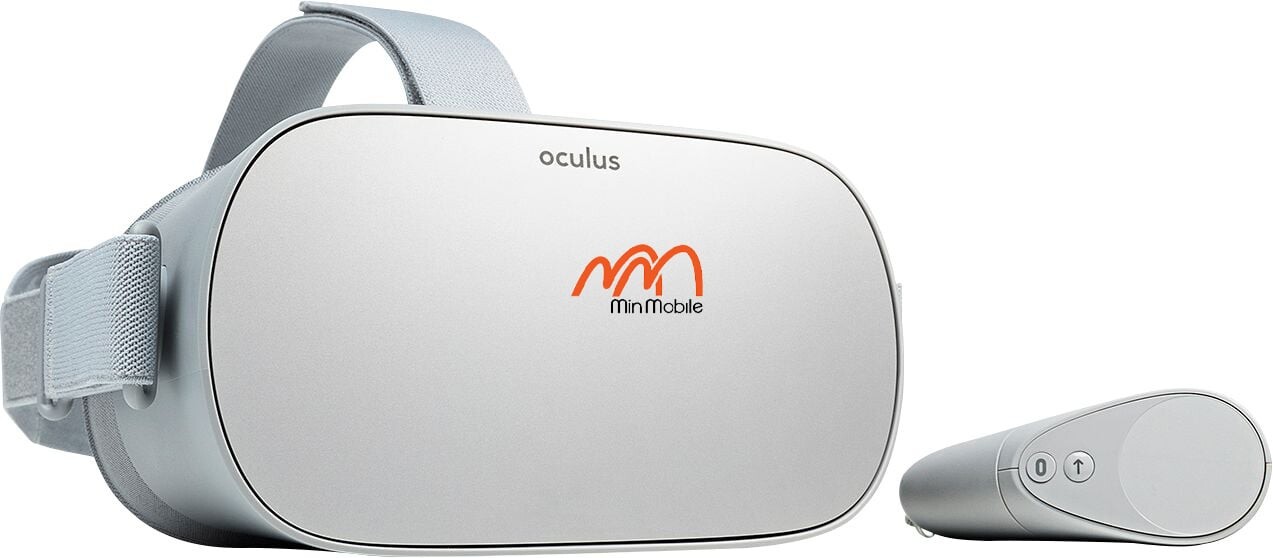
In the timeline of spatial computing, the Oculus Go (released in 2018) holds a special place. While the world in 2026 has moved toward advanced Mixed Reality, the Oculus Go remains a beloved piece of "Retro VR" hardware. It was the first device to prove that VR didn't need a phone or a PC to function. Today, it has found its second life as the ultimate portable personal cinema.
2. Technical Focus: The 3DoF Architecture
To understand the Oculus Go, one must understand the technology of 3 Degrees of Freedom (3DoF). Unlike modern headsets that track your movement through space (walking, leaning), the Go only tracks where you are looking (Pitch, Yaw, and Roll).
Hardware Breakdown:
-
Display: A single 5.5-inch Fast-Switch LCD panel with a $2560 \times 1440$ total resolution ($1280 \times 1440$ per eye).
-
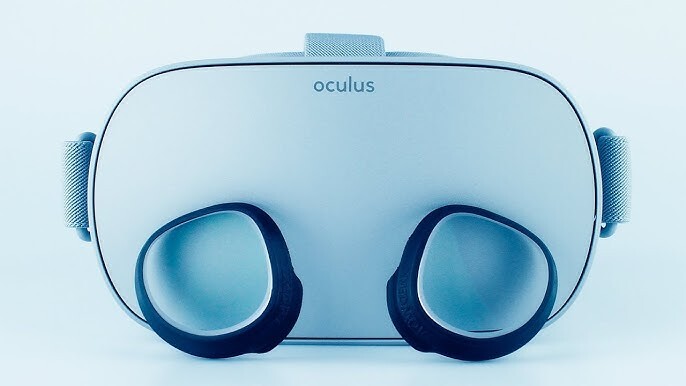
Optics: Next-generation Fresnel lenses (for its time) that significantly reduced "god rays" compared to the original Oculus Rift.
-
Processor: Qualcomm Snapdragon 821. While dated by 2026 standards, it is perfectly optimized for high-bitrate video decoding.
-
Audio: Integrated spatial audio drivers hidden in the strap arms, allowing for an immersive soundstage without needing headphones.
3. 2026 Market Status & Pricing
In 2026, the Oculus Go is no longer supported by Meta's official store updates, but it remains a top choice in the used market for "Media Only" users.
| Model | Original Price (2018) | Estimated 2026 Price (USD) | Primary Use in 2026 |
| Oculus Go (32GB) | $199 | $30 - $45 | Budget Bed-time Cinema |
| Oculus Go (64GB) | $249 | $50 - $65 | Offline Travel Media Player |
4. Pros and Cons: A 2026 Perspective
The Pros
-
Lightweight & Breathable: The fabric interface and absence of heavy cameras make it more comfortable for lying down than a Quest 3.
-
Fixed Sweet Spot: For watching movies, the 3DoF nature is actually an advantage—the screen stays perfectly centered without "drifting" as easily as 6DoF systems.
-
Extreme Portability: It is the smallest standalone headset ever produced by Oculus/Meta.
The Cons
-
No Positional Tracking: You cannot lean forward to look at objects; you can only rotate your head.
-
Controller Limitations: The single 3DoF controller is prone to "drift" and requires frequent re-centering.
-
Legacy Battery: Many units in 2026 may require a constant power bank connection due to battery aging.
5. Guide: Streaming & Downloading via Oculus Browser
Because the official store is largely sunset, the best way to utilize the Oculus Go in 2026 is through the Web Browser. The platform is fully compatible with the https://topvrporn.net ecosystem.
How to Stream Content:
-
Launch Browser: Open the Oculus Browser from your Go's main dock.
-
Access Portal: Type in the URL:
https://topvrporn.net. -
Play: Navigate to your chosen video and Press Play. The Go will handle the 360° or 3D injection automatically via the browser's VR player.
How to Download for Offline Viewing:
If you are taking the Go on a flight or a trip without Wi-Fi:
-
Navigate: Go to
https://topvrporn.netin the browser. -
Save File: Click the Download button on your preferred video file.
-
Open Gallery: Once the download is complete, go back to your app library and open the Oculus Gallery app (this comes pre-installed).
-
Enjoy: Your video will be waiting in the "Internal Storage" or "Downloads" folder. The Oculus Gallery is optimized for 3DoF playback, providing a smooth, high-quality theater environment.
6. Summary: The Best "Bed-VR" Device
In 2026, we don't use the Oculus Go for gaming—we use it for immersion. It is the perfect device for watching documentaries, 3D movies, or relaxing in a virtual space before sleep. Its simplicity is its strength; it does one thing—displaying media—extraordinarily well.